
Get More Out of QuickBooks AI With ProBooks
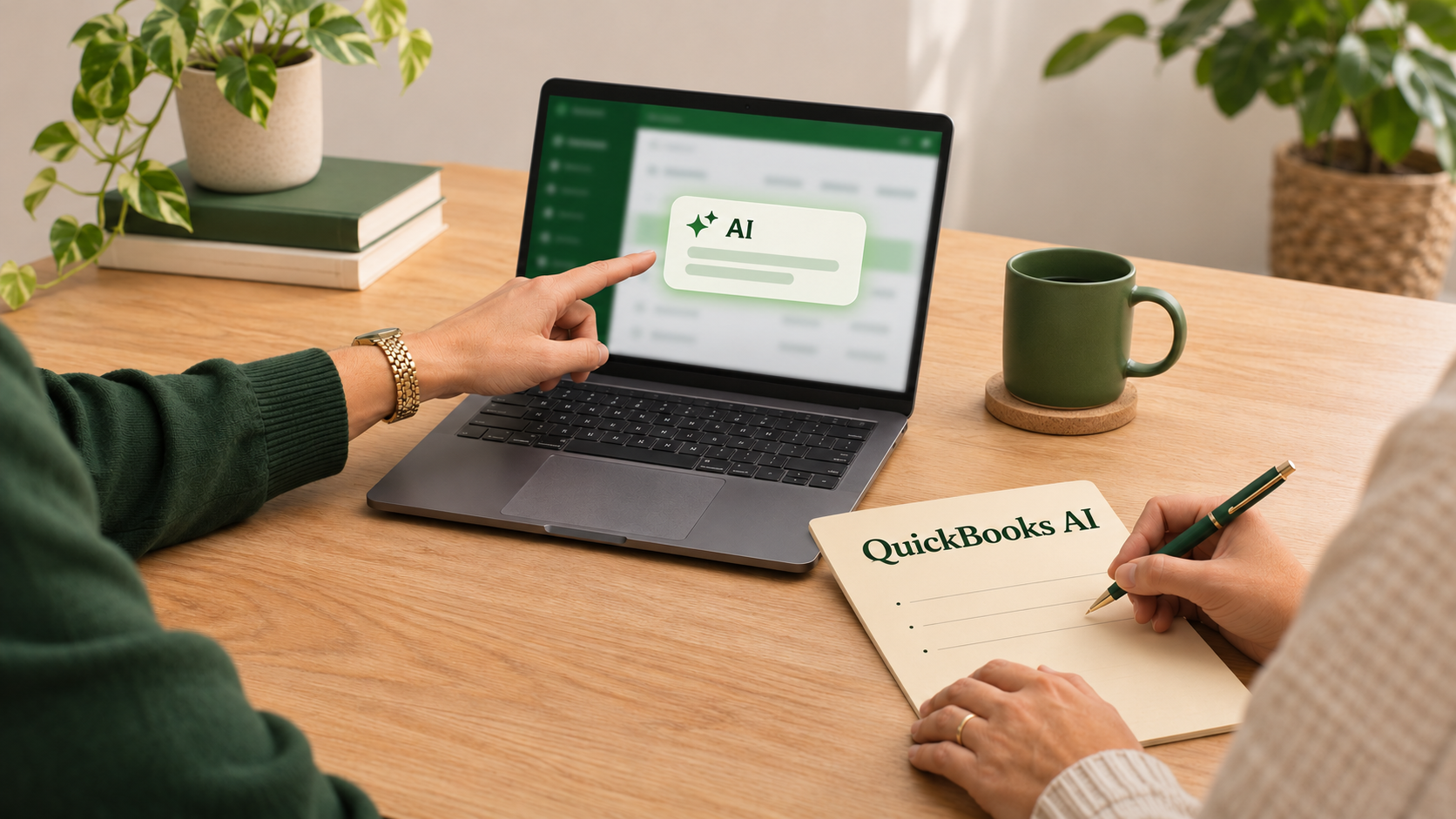
QuickBooks is adding more AI tools, including AI agents that help with bookkeeping, invoicing, and financial reports. You may have already seen a suggested category, an AI summary, or a new option to create an invoice.
The question is how to make those features useful in your business.
At ProBooks, we can help you understand what QuickBooks AI can do, work through your questions, and build a routine that makes the software more helpful. We work with business owners in McAllen, across the Rio Grande Valley, and throughout Texas.
Here are some of the ways we can help you get more out of these tools.
Find the AI Features That Fit Your Business
QuickBooks has AI tools for different tasks, and availability varies by subscription and rollout. Some prepare suggestions for you to review. Others can handle certain work automatically.
We can look at the features available in your account and connect them to the tasks that take up your time.
If entering transactions keeps you at your desk after hours, Accounting AI may be a useful place to start. If preparing invoices slows you down, we can explore the invoicing tools. If you want more insight from your reports, we can look at the financial analysis features.
Start with a task you want to improve, then learn the tools that can help.
Use Accounting AI With More Confidence
Accounting AI can suggest transaction categories and matches, group transactions for review, and help identify possible issues during reconciliation.
That can reduce some of the repetitive work involved in keeping your books current. We can help you understand the suggestions, review your categories, and decide what needs a closer look.
For example, suppose you already recorded a customer's invoice payment. When the deposit appears in your bank feed, adding it as new income instead of matching it to the existing record can count that income twice.
If you're unsure about an AI suggestion, we can trace the transaction with you and explain how it should connect to your books.
When AI flags a difference during reconciliation, we'll help you investigate it and understand what needs correcting. Over time, that gives you a more consistent process for reviewing the work AI helps prepare.
Let AI Help You Prepare Invoices
QuickBooks AI can turn information from contracts, estimates, and other project documents into draft invoices. That can save you from entering the same details again.
For a contractor or service business, this could mean starting with an approved proposal and using it to prepare the customer invoice.
ProBooks can help you work through that process, review your products and services, and establish a check before invoices go out. That includes confirming the customer, amounts, payment terms, and whether the work has already been billed.
Together, we can also explore AI tools for tracking invoices that need follow-up. The goal is a billing routine you understand and can keep using.
Review the Deductions AI Suggests
Business Tax AI can suggest expense categories your business may have overlooked. Those prompts may help you remember business expenses paid outside QuickBooks, including purchases made with a personal card or cash.
A suggestion is a starting point for review.
We can help you determine whether you actually incurred the expense, review its business purpose and supporting records, and decide how it should be recorded. We can also check whether it is already in your books.
If QuickBooks suggests a deduction and you're unsure whether it applies to you, bring us the question. We'll help you work through it before you rely on it for tax planning.
Turn AI Financial Summaries Into Useful Conversations
Finance AI, available in QuickBooks Online Advanced, can summarize income, expenses, cash flow, and other financial information. It can also highlight changes and compare results across periods.
Those summaries can give you a useful place to start a conversation about your business.
Suppose you run a restaurant and an AI summary shows that sales increased while profit declined. We can review the underlying reports with you and look at food costs, payroll, pricing, and other changes that may explain what happened.
We can also help you check whether the books are complete enough to support the analysis.
With ProBooks, you have someone to help you understand the information and decide what deserves your attention.
Build a Review Routine Around the Automation
Getting more out of QuickBooks AI also means understanding what happens automatically and what still needs your input.
We can review your settings with you and help establish who checks suggested categories, reviews draft invoices, investigates flagged transactions, and looks at the monthly reports.
If you or your staff have questions as you start using these features, we can walk through them using examples from your own books. That makes the learning more relevant to the work you actually do.
Have Questions About QuickBooks AI? Call ProBooks.
You don't have to figure out every new feature on your own.
Whether you want help getting started with an AI tool, reviewing a suggestion, or understanding a financial summary, we can help you take the next step.
Call Gaddi at ProBooks at (956) 520-2773. Let's talk about how to put QuickBooks AI to work for your business.
Ready to get your finances on track?
Stop stressing over taxes and messy books. Schedule your free consultation and get clear on your numbers.
Schedule a Free Consultation